
HomeWarehouse



Search
Search
Search by
Popular tags
Availability
Net height
Latest

P3 Park Ostrava Central
Ostrava, CZ
Prologis Park Prague-Rudná
Rudná, CZ
VGP Park Brasov
Brașov, RO
Accolade Park Wiesau
Wiesau, DE
Accolade Park Zagreb North
Donja Bistra, HR


94 Results
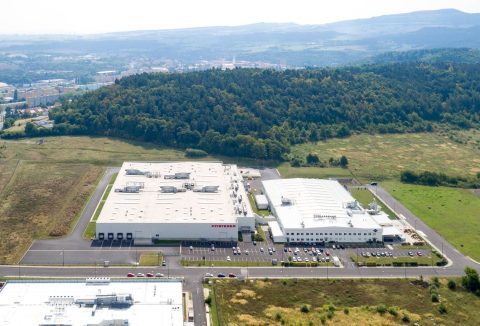
CTPark Kadaň
Kadaň, CZ
8 179 - 24 536 m2
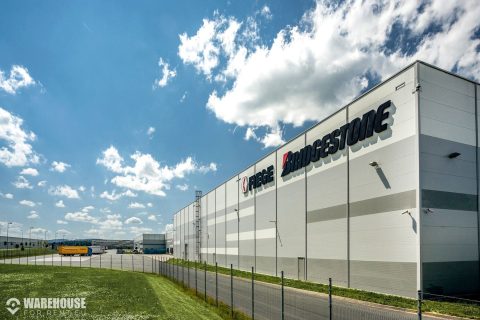
CTPark Bor
Bor, CZ
2 500 - 23 304 m2
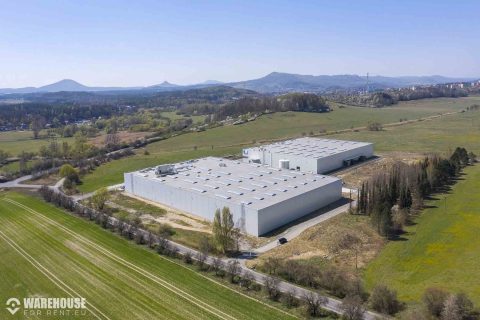
CTPark Česká Lípa
Česká Lípa, CZ
4 724 - 14 716 m2
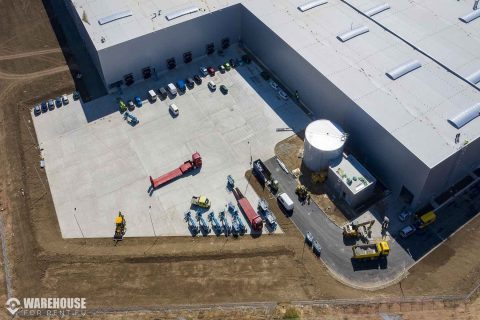
CTPark Stříbro
Stříbro, CZ
3 000 - 22 433 m2
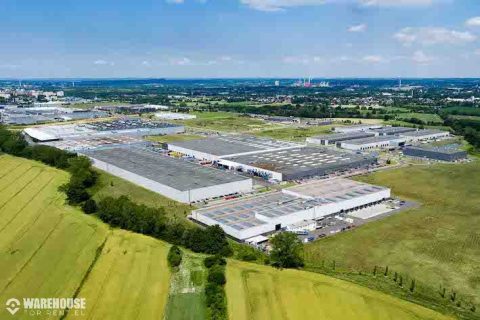
CTPark Ostrava
Ostrava, CZ
2 500 - 11 993 m2
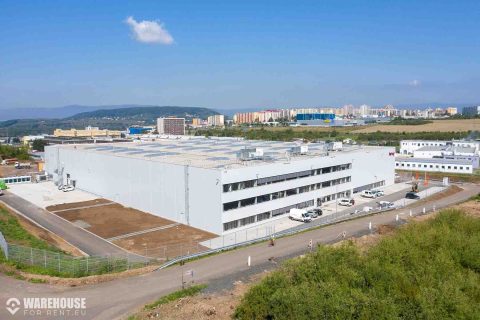
CTPark Most
Most, CZ
2 904 - 8 712 m2
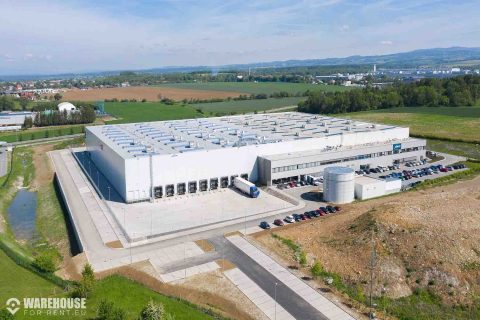
CTPark Kvasiny
Solnice, CZ
3 553 - 23 403 m2
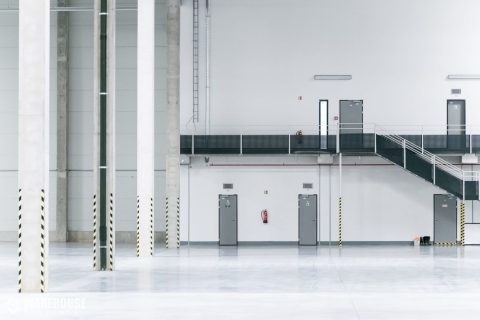
CTPark Hrušky
Hrušky, CZ
5 000 - 36 868 m2
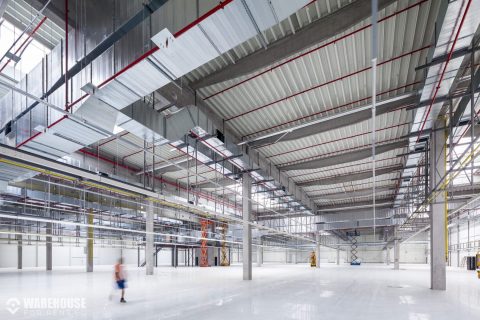
CTPark Cerhovice
Cerhovice, CZ
10 436 m2
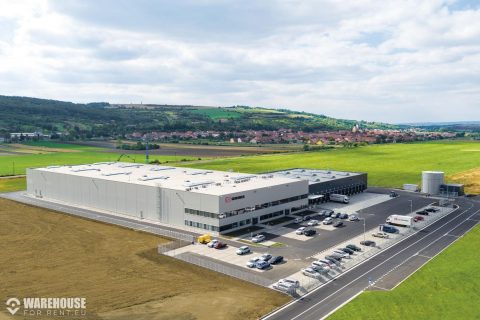
CTPark Blučina
Blučina, CZ
8 103 m2
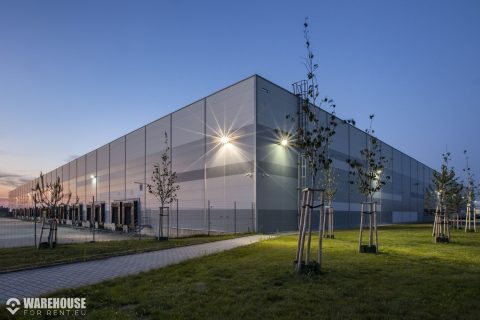
CTPark Žatec II
Žatec, CZ
5 562 m2
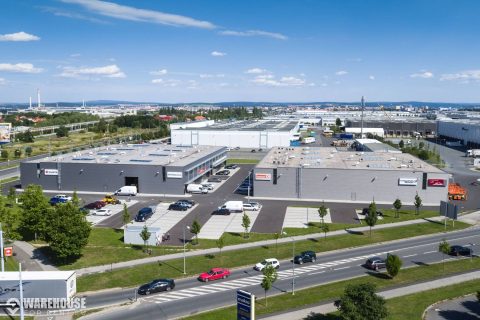
CTPark Plzeň
Plzen, CZ
4 879 - 14 637 m2
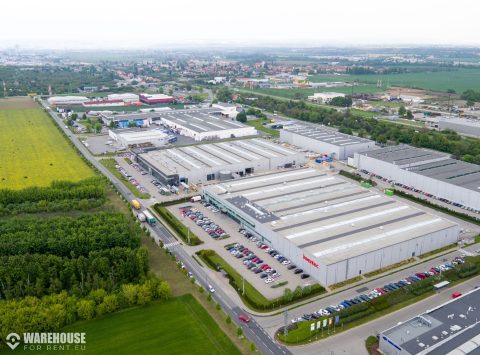
CTPark Modřice
Modřice, CZ
3 698 - 8 027 m2
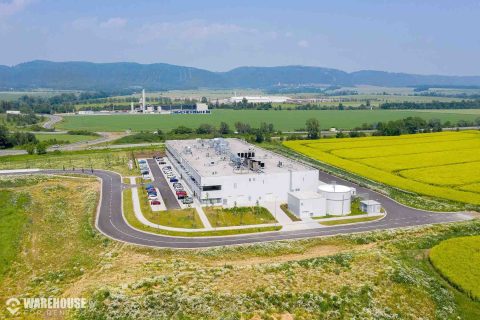
CTPark Lipník nad Bečvou
Lipník nad Bečvou, CZ
6 481 - 59 234 m2
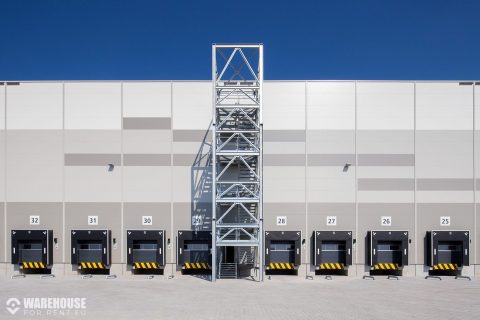
CTPark Kutná Hora
Kutná Hora, CZ
2 500 - 4 985 m2
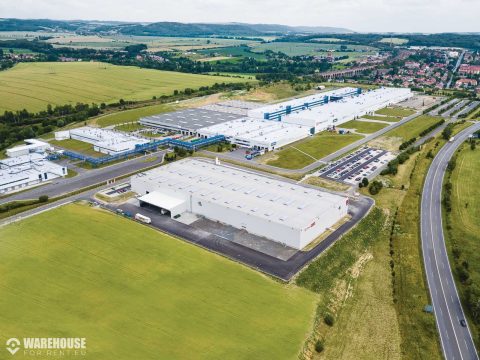
CTPark Hranice
Hranice, CZ
6 554 - 57 958 m2
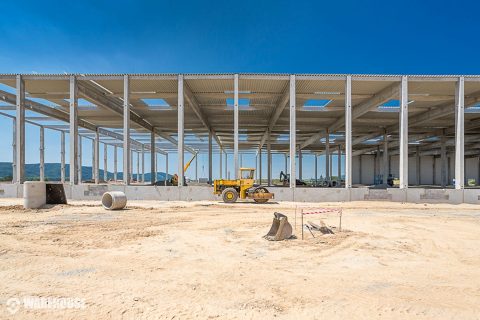
CTPark Blatnice
Blatnice, CZ
5 000 - 52 445 m2
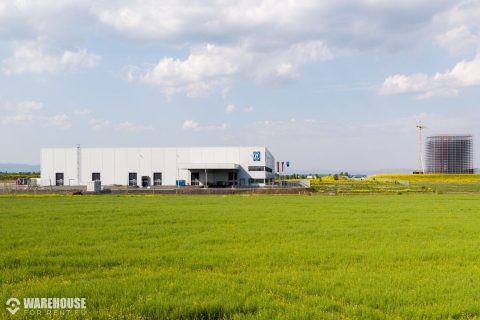
CTPark Žatec
Bitozeves, CZ
6 000 - 18 264 m2
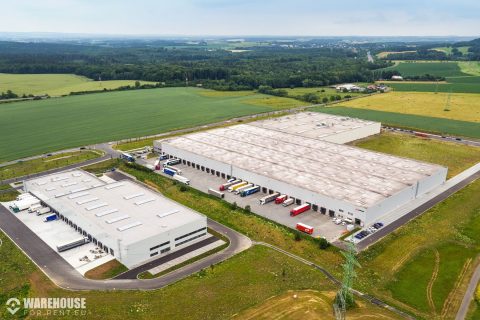
CTPark Nový Jičín
Nový Jičín, CZ
7 067 m2
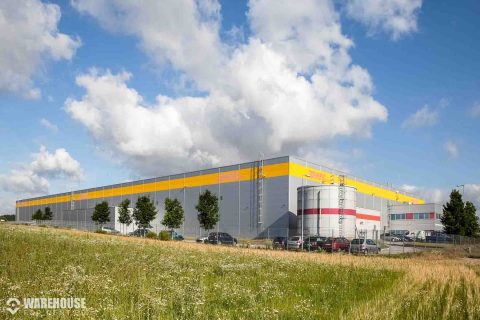
CTPark Mladá Boleslav II
Nepřevázka, CZ
2 967 - 8 845 m2
x
Draw area
How to guide
Click the button above. Then Left-click on the map where you want to create a selection area. Then move the mouse to the next point and click the left button again. Repeat this process until you connect the last point to the first one.
Circle area
Cancel area selection
How to guide
Click the button above. Then Left-click on the map where you want to create the center of the area. Then move the mouse to the side and create a circle, left-click again to cofirm the area.